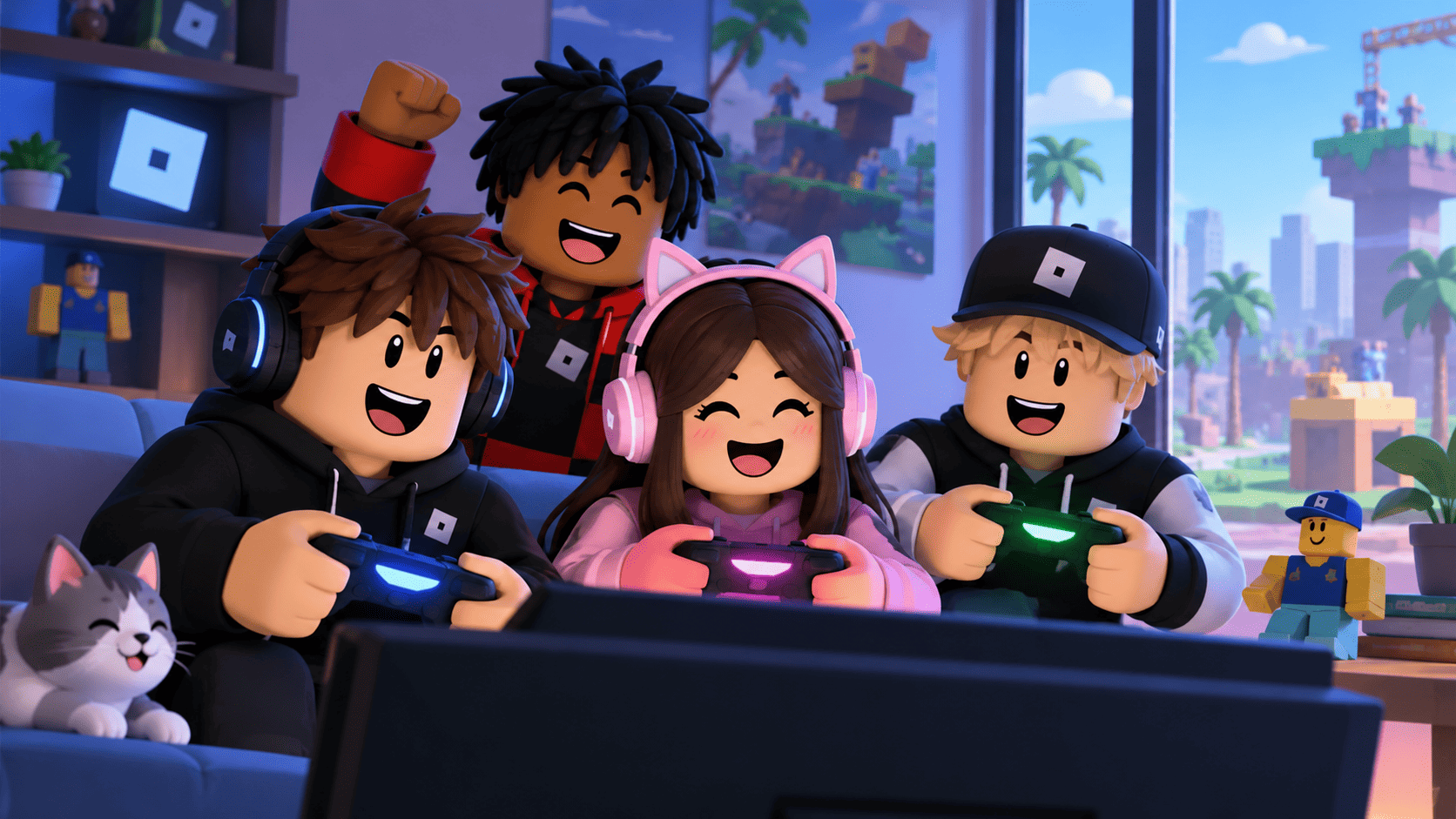
5 Ways Roblox Creators Can Explore Robux Earning Opportunities
Discover how avatar designs, playable experiences, and official creator tools can open new possibilities beyond buying Robux.
Have you ever wondered who designs the avatar outfits, obstacle courses, and tycoon games you see across Roblox? Many of those creations begin with players learning how to build, customize, and publish original digital content.
If you're interested in earning Robux without buying it directly, exploring Roblox's creator ecosystem may be worthwhile. Eligible developers and designers can use approved monetization features connected to their creations.
But these opportunities are different from websites advertising instant free Robux or unlimited currency generators. Legitimate earnings depend on platform requirements, eligible activity, and actual player interest.
You don't need to recreate a massive experience like Blox Fruits to begin learning. A short obby with working checkpoints, a small tycoon, or a themed clothing collection can introduce you to useful Roblox creator tools.
Below are five practical activities to explore, including examples for players interested in avatar customization, game development, and improving their creations.
What Makes Robux Valuable to Players and Creators?
For players, Robux can be used to purchase eligible avatar clothing, accessories, Game Passes, private servers, and optional features available in different Roblox experiences.
For eligible creators, Robux may be earned through approved item sales, in-experience purchases, or other supported monetization features. For example, an obby developer might offer an optional visual trail while keeping the main obstacle course accessible.
The distinction matters: spending Robux and earning Robux follow different rules. Publishing a game or digital item doesn't automatically generate currency, and creator features may have specific eligibility requirements.
Why You Should Avoid Instant Robux Generators
Imagine finding a website claiming it can send 10,000 Robux to your account immediately. That offer might sound tempting when you're saving for an expensive avatar item or an optional upgrade in your favorite game.
However, suspicious websites may request your password, verification codes, personal details, or unknown software downloads. Some imitate Roblox login pages to trick users into revealing account credentials.
There is no legitimate unlimited Robux generator. If you want to learn about earning opportunities, focus on Roblox's official creator systems and check the requirements before participating in any program.
5 Creator Activities Worth Exploring on Roblox
1) Design Avatar Clothing With a Unique Style
If you enjoy creating outfits for Brookhaven RP or customizing your Roblox character, avatar clothing design can be an interesting starting point. Explore styles such as streetwear hoodies, fantasy outfits, matching uniforms, or pastel clothing collections.
Rather than creating unrelated designs, try developing a recognizable collection with consistent colors and details. Eligible creators may earn Robux from approved item sales, although publishing permissions, fees, and other platform requirements can apply depending on the item type.
2) Create an Obby, Tycoon, or Simulator
Roblox Studio allows users to design interactive experiences using 3D objects, building tools, and scripting features. You could begin with a ten-stage obby, a tycoon where players unlock machines, or a small simulator built around collecting and upgrading items.
After developing enjoyable gameplay, eligible creators can explore Game Passes, Developer Products, and cosmetic extras. For example, an obby might offer an optional particle trail. Paid features should complement the experience rather than make basic progression impossible without purchases.
3) Share Your Games With Interested Players
A creative project needs interested players to discover it. If you've built a difficult obby, showcase its moving platforms and unusual checkpoints. If your game is a tycoon, explain what players can build, unlock, or customize.
Use accurate thumbnails, authentic gameplay clips, and relevant community discussions instead of repeatedly posting promotional links. Sharing content doesn't directly generate Robux, but it may help players discover an eligible item or experience.
4) Follow Official Events and Creator Announcements
Roblox publishes updates about Studio features, development resources, community events, and creator programs. Following official announcements can help you understand new tools and identify activities relevant to your interests.
Check the participation conditions carefully. Not every official event awards Robux, and certain opportunities may involve age, account, regional, or other eligibility requirements.
5) Improve Your Creations Using Player Feedback
Suppose players repeatedly leave your obby after reaching the fourth checkpoint. That could indicate an obstacle is too difficult, its instructions are unclear, or a mechanic isn't working correctly. In a tycoon, users might struggle to understand the next upgrade.
Use feedback to improve gameplay instructions, difficulty, controls, and progression systems. For avatar designs, pay attention to how your clothing looks on different supported character setups. Better quality may encourage interest, but earnings remain uncertain.
Protect Your Roblox Account and Digital Projects
If your account contains valuable avatar items or access to published experiences, security is important. Use a strong, unique password, enable two-step verification, and avoid sharing login information with websites or individuals advertising guaranteed rewards.
Be cautious with unknown browser extensions, fake giveaways, suspicious downloads, and unofficial Robux services. Keeping your account secure can help protect your inventory, creations, and access to creator tools.
How to Build Your Roblox Creator Skills
You don't need to master every feature immediately. Choose a manageable project, practice with official tools, and make improvements as you learn more about creating digital content.
- Start with one idea: Build a short obby, a small tycoon, or a coordinated avatar clothing collection.
- Explore Roblox Studio: Learn basic building tools and practice Luau scripting for custom game mechanics.
- Test before publishing: Check clothing appearance, checkpoints, player controls, and interactive objects.
- Listen to useful feedback: Identify frustrating mechanics, unclear objectives, or design issues.
- Review monetization requirements: Understand publishing permissions, applicable fees, and eligibility before expecting Robux earnings.
Conclusion: Turn Your Roblox Interests Into Creative Projects
If you enjoy avatar customization, obbies, tycoons, or simulators, Roblox's creator tools provide an opportunity to learn how digital items and interactive games are developed.
Eligible creators may explore approved ways to earn Robux through certain item sales or supported monetization systems. However, publishing content does not guarantee purchases, player visits, or currency earnings.
Start with something you genuinely want to create. A short obstacle course, a basic tycoon, or a themed outfit collection can help you develop skills while discovering more about Roblox Studio and the creator ecosystem.
KEEP EXPLORING